Competitor UX research without the screenshot chaos
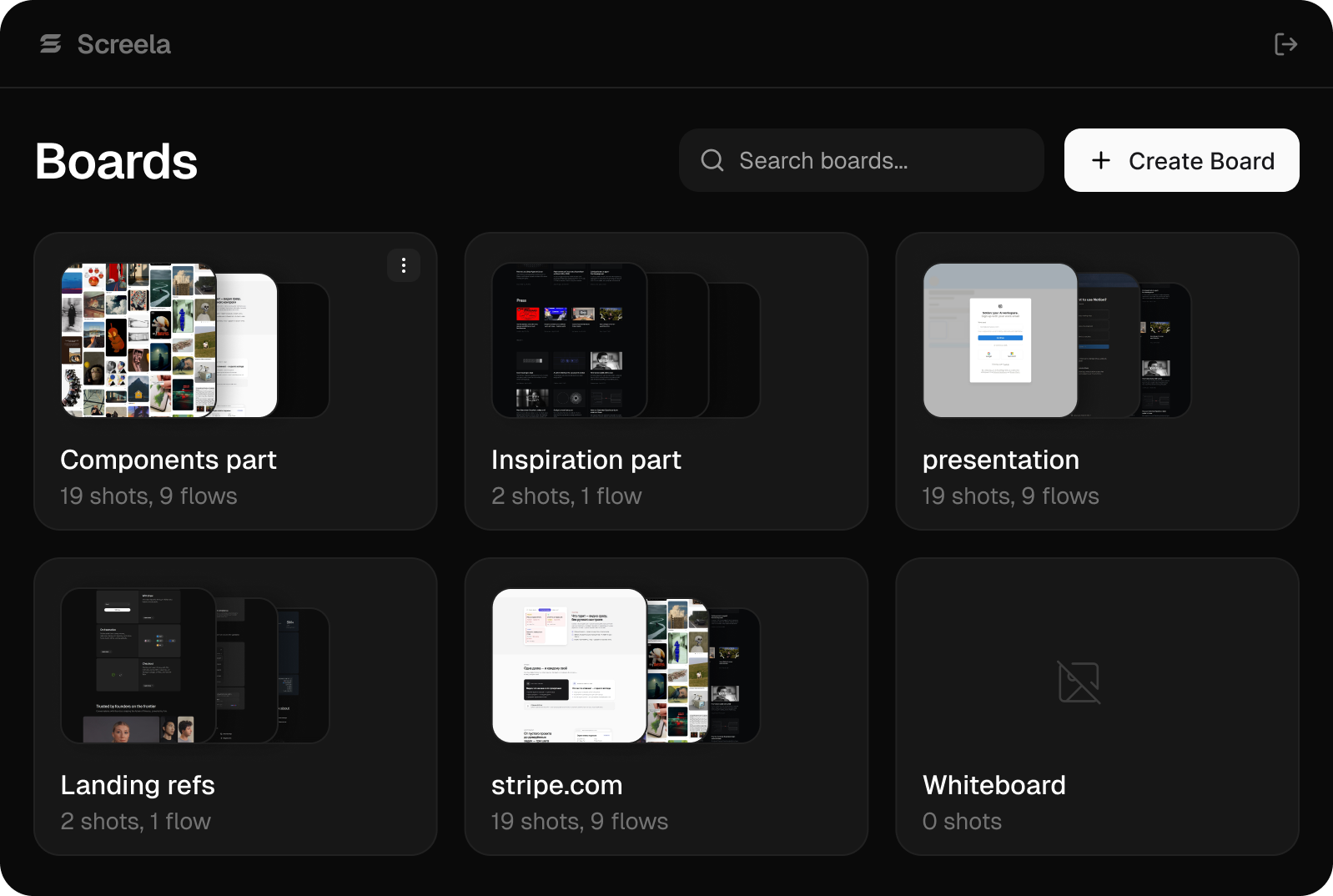
Screela records entire user flows, like a competitor's onboarding or checkout, as full-page screenshots with one shortcut. Steps land on an infinite board in order, desktop and mobile side by side.
Free while in beta. Chrome extension + web board
You know the drill:
GoFullPage, copy, drag into Figma, rename, paste the URL somewhere you'll never find again. Repeat forty times
Half a day gone before the actual analysis even starts
Three steps, one shortcut
Three steps, one shortcut
Start a flow
Step 1Pick a board and hit Start Flow. Screela names the run after the domain automatically, no typing required. Optionally add a mobile track.
Walk the product
Step 2Press Alt+S on each step. Screela captures the full page, handling sticky headers and waiting out animations on its own.
Get a finished flow
Step 3Finished flows land back in the list already named, timed, and tagged with step count and device, desktop, mobile, or both, so there's nothing left to sort or rename.
Built for competitive UX audits, not screenshot hoarding
Copy to Figma
Take any flow straight into your workspace. Long full-page screenshots arrive at full resolution — not the blurry mush you get pasting long captures by hand.

Desktop + mobile in one flow
Two tracks, same steps, one board. See how they adapt the pattern.
Context on every screenshot
Source URL, page title, capture time. Cite your findings, don't just show them.
Full-page capture, done right
Sticky headers, modals, lazy-loaded content: exactly where most other tools break.
One board per audit
Infinite canvas with zones per competitor. Compare patterns side by side.
Share a read-only link
Send a flow or the whole board to your team or client. No login needed.
Made for people who study products for a living
Product designers
Doing pre-task research before touching Figma
UX agencies
Delivering competitive audits on deadline
PMs & founders
Mapping the competitive landscape
Why not Mobbin, Miro, or GoFullPage?
Mobbin only covers famous apps, and your competitors probably aren't in it, so you'd end up building the library yourself anyway. Miro works fine as a board, but you're still pasting screenshots in by hand and losing the context that made them useful in the first place. GoFullPage will grab a single page for you; it won't follow you through an entire flow.
Questions
Screela uses the minimal activeTab permission, so it can only see the tab you're on, and only when you press the shortcut. It never reads your browsing history. The extension code is open source.
Your next audit could take an hour, not a day
Free while in beta. Chrome extension + web board